
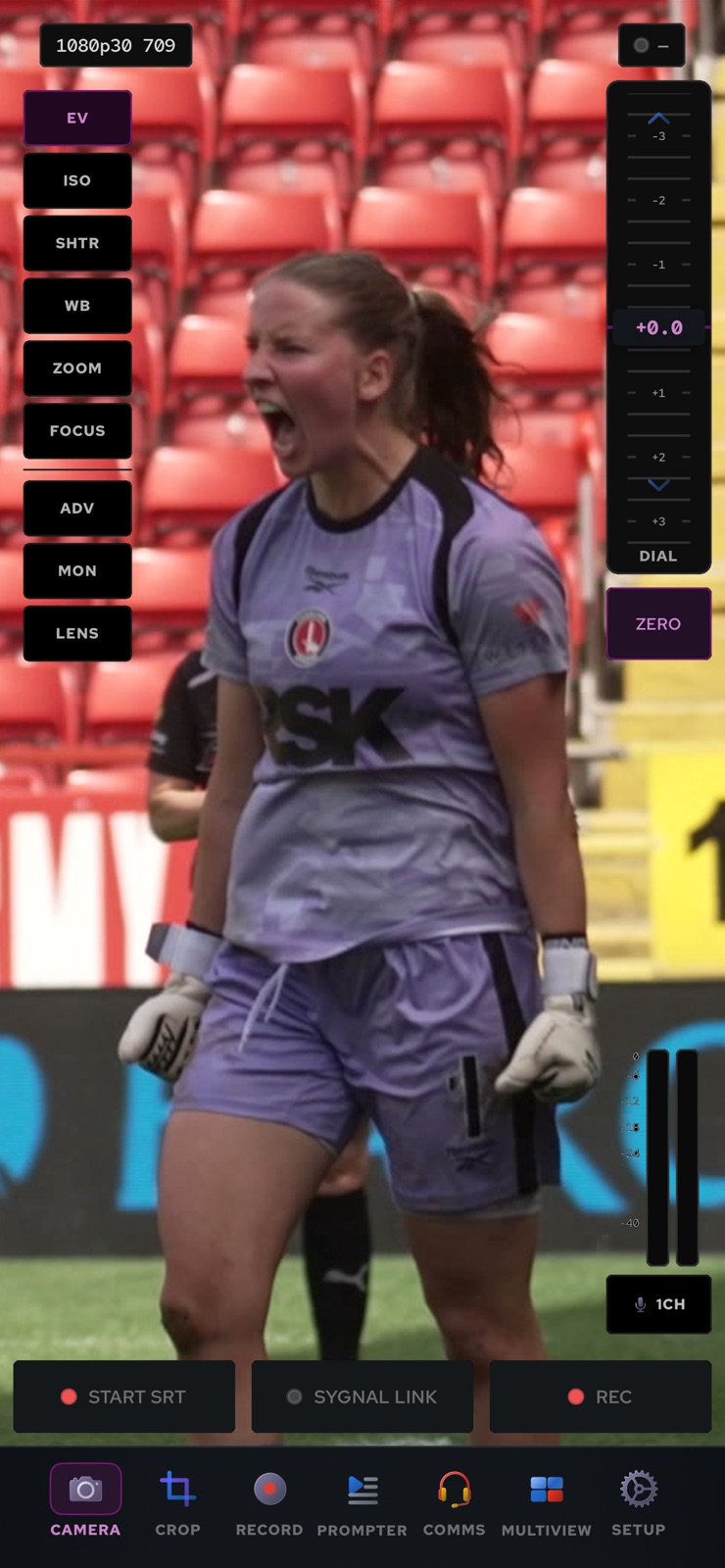
Contribute video and audio from a phone or tablet with the SYGNAL Remote app, on iOS and Android, with complete remote browser control of every camera setting in our RCP-style camera control GUI — and a digital re-frame you can drive between storable presets. It sends over SRT or SYGNAL Link, takes tally and a return feed, records and replays on the device, and carries intercom on the same phone.
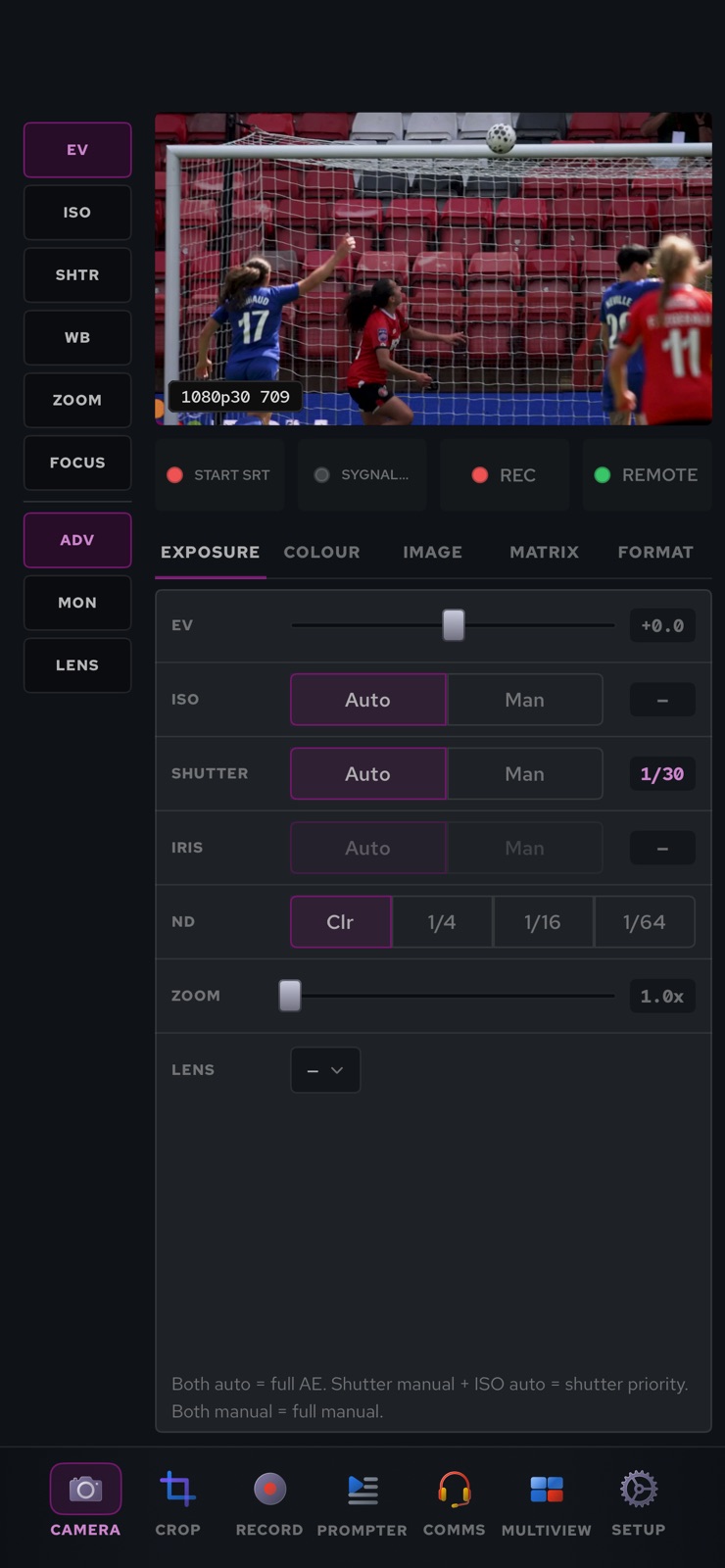
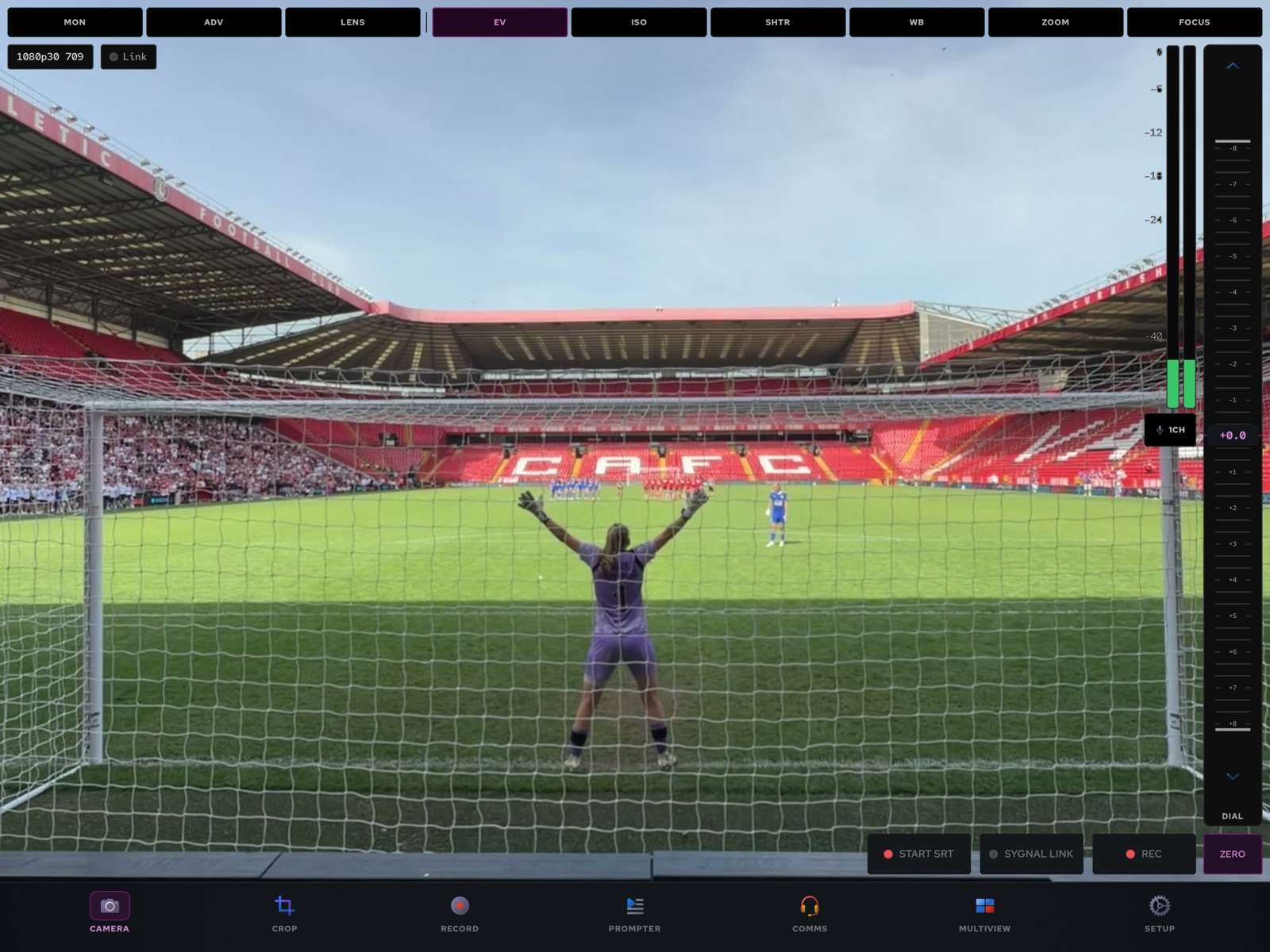
Send video and audio into the server from a phone or tablet running SYGNAL Remote, on SRT or SYGNAL Link, in H.264 or HEVC. Then take complete remote browser control of every camera setting in our RCP-style camera control GUI: lens, zoom, focus, ISO, shutter, iris, ND and white balance, then the full paint chain of RGB gains, black, gamma, knee, detail, saturation, matrix, multi-matrix, white clip and flare. The operator works the same surface they’d use for any other camera — the phone in the field just answers.
A phone in the field, a camera control panel in the gallery, a re-frame you can drive. All on the same server as the rest of your sources.
SYGNAL Remote, on iOS and Android, sends video and audio into the server over SRT or SYGNAL Link, in H.264 or HEVC, so a phone in the field arrives as a source like any other. On a bad link the server asks the phone for a recovery picture. A phone that runs hot steps its bitrate down, and the desk can step it down further.
Take complete remote control of every camera setting from the browser, in the same RCP-style GUI you use for the rest of the rig. The RCP view puts every camera on one page. A desk can claim a camera, and nobody else drives it until that desk lets go.
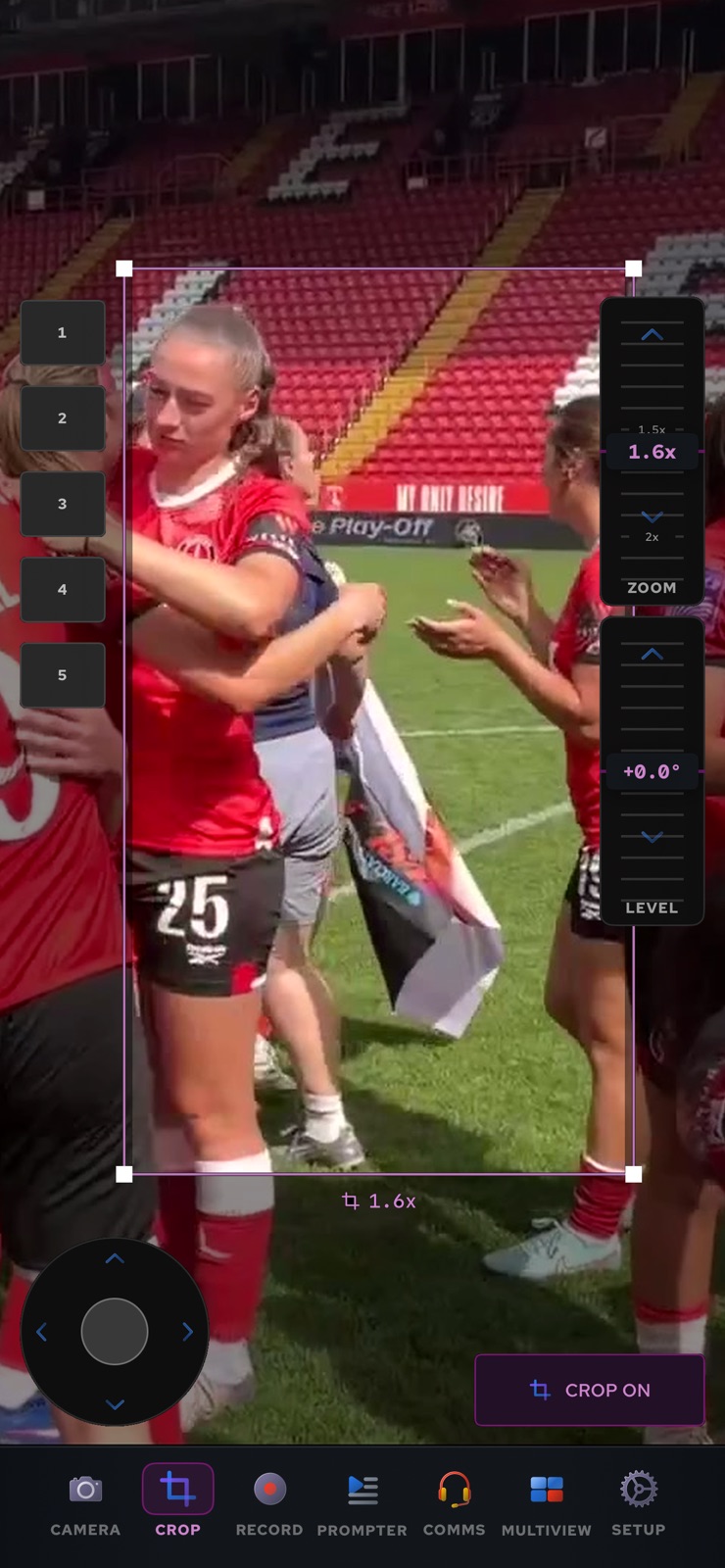
Re-frame and crop on the phone, store the shots you want as presets, and move between them with smooth, eased motion. Drive it by touch, from the browser or from a gamepad.
Digitally re-frame and crop on the phone or tablet to pull a tighter shot out of the wide image. Store the framings you want as presets, then move between them with smooth, eased movement, so shot changes look like a camera move rather than a cut. Work the crop on the phone, in the browser, or on a gamepad with the sticks.
Shading from a hardware panel, tally and a return feed in the operator’s hand, recording and replay on the device, and intercom without a second box.
Connect a Cyanview system to the phone and shade it from a hardware RCP: gain, shutter, iris, focus, zoom, ND, white balance and paint. The RCP’s red tally lights the phone, and its record key runs the recorder. The phone also serves its own control page on the local network.
Capture at 720p, 1080p or 4K, at broadcast frame rates or at high frame rates for slow motion. Shoot in HLG or Apple Log. Load a camera LUT for monitoring only, or bake it into the picture.
The phone lights red, green or amber, from the server, from a TSL UMD feed or from the RCP. Red beats amber and amber beats green. Pick a return feed from the desk and the operator watches programme on the phone.
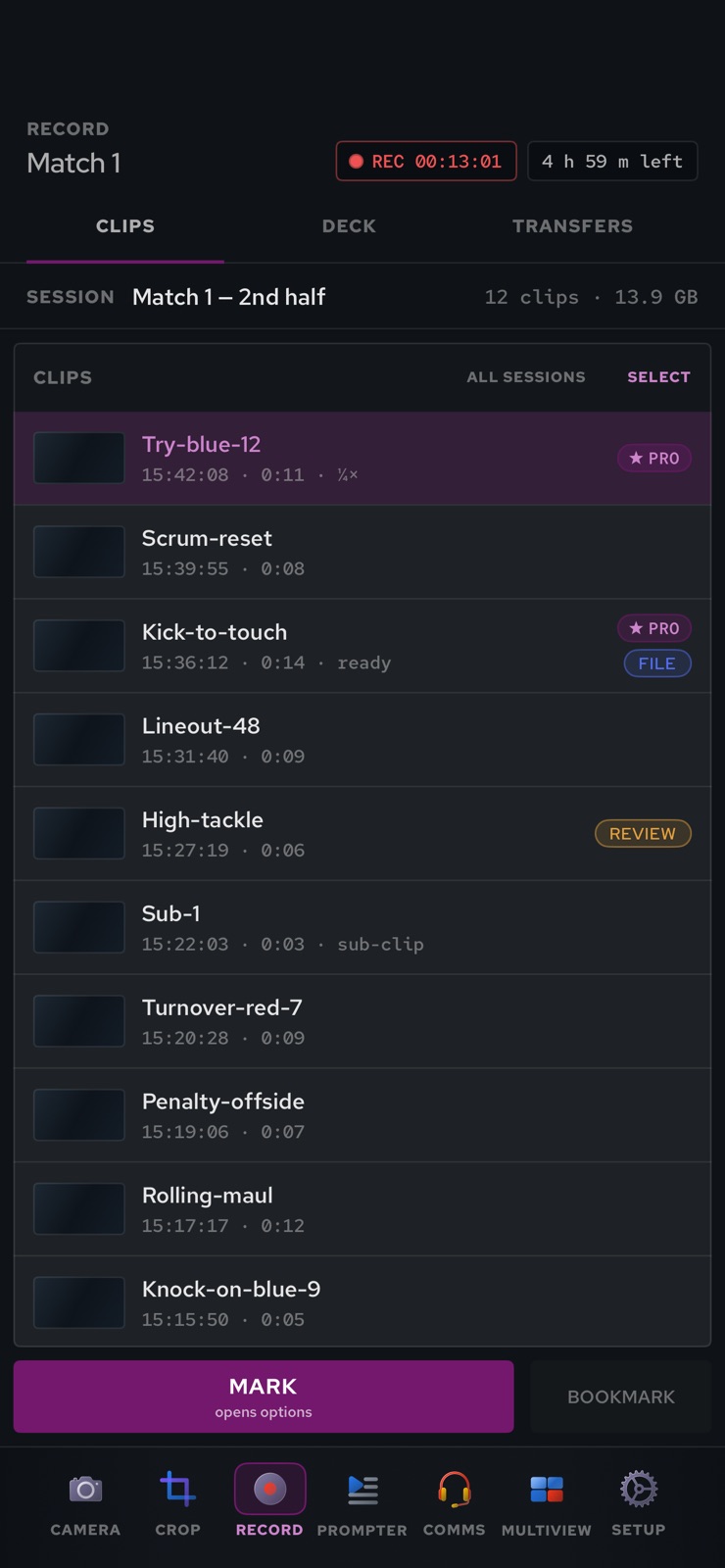
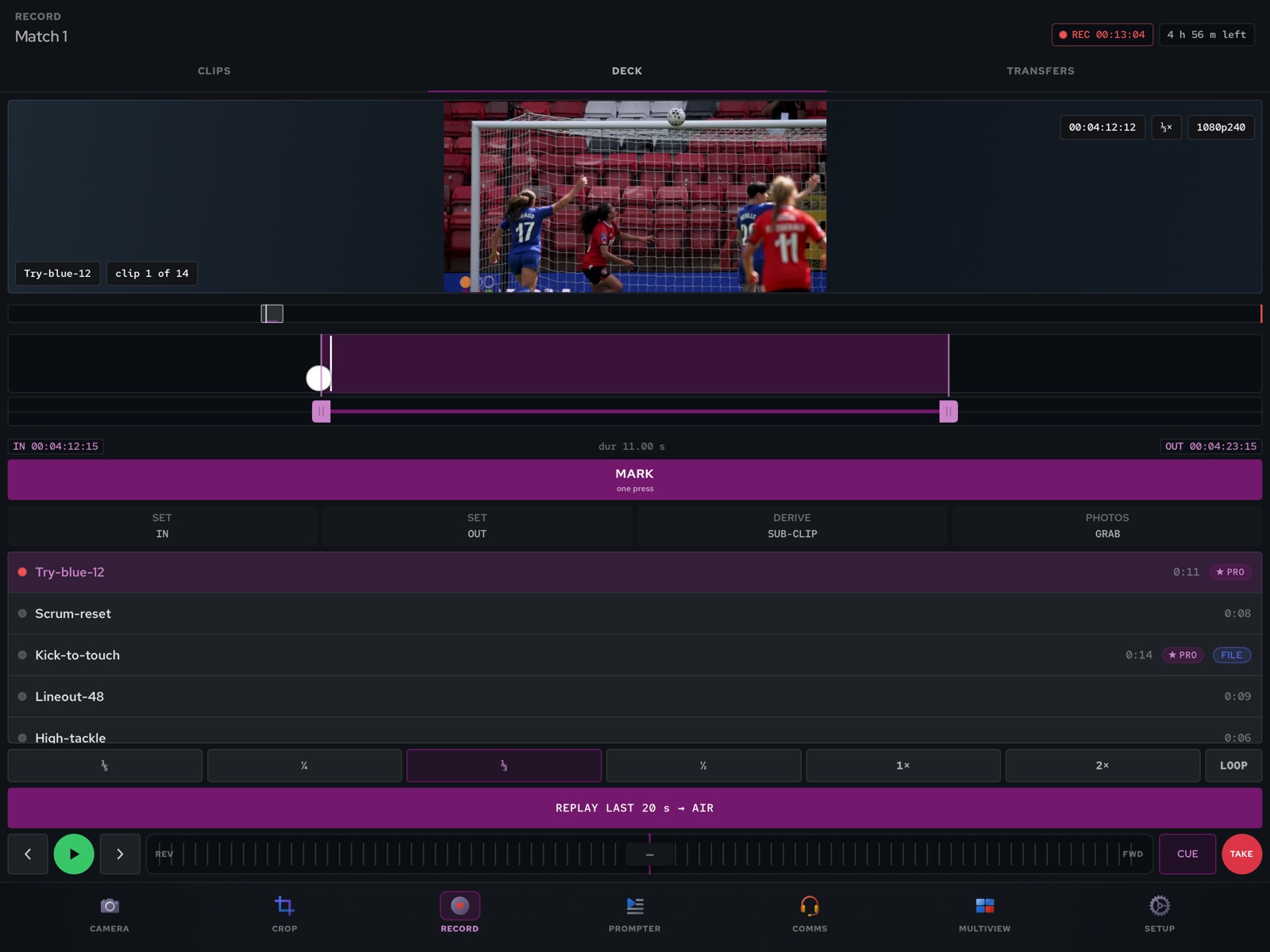
Record on the phone and drop marks as you shoot, from the phone or from the desk. Cue a clip and take it to air from the phone, at speed or in slow motion, then return to live.
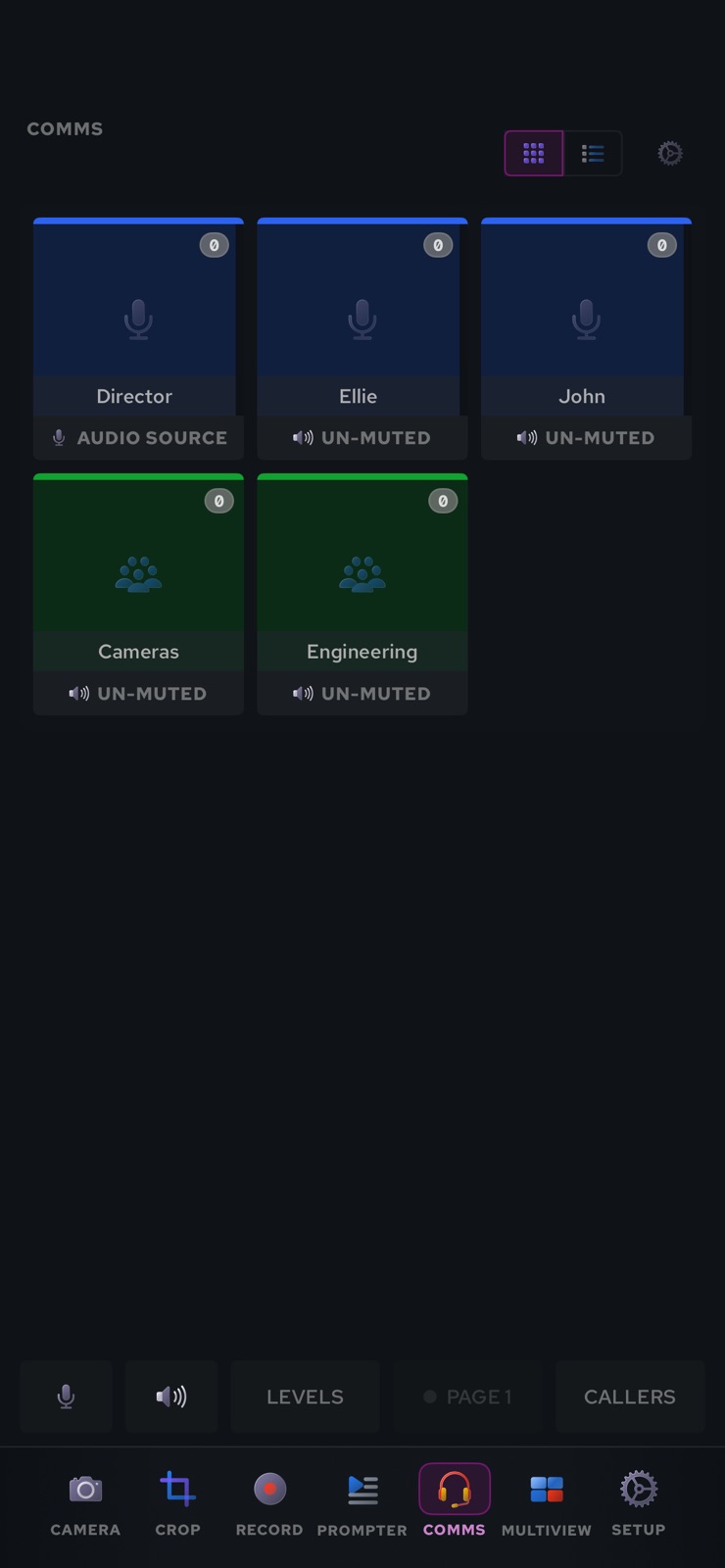
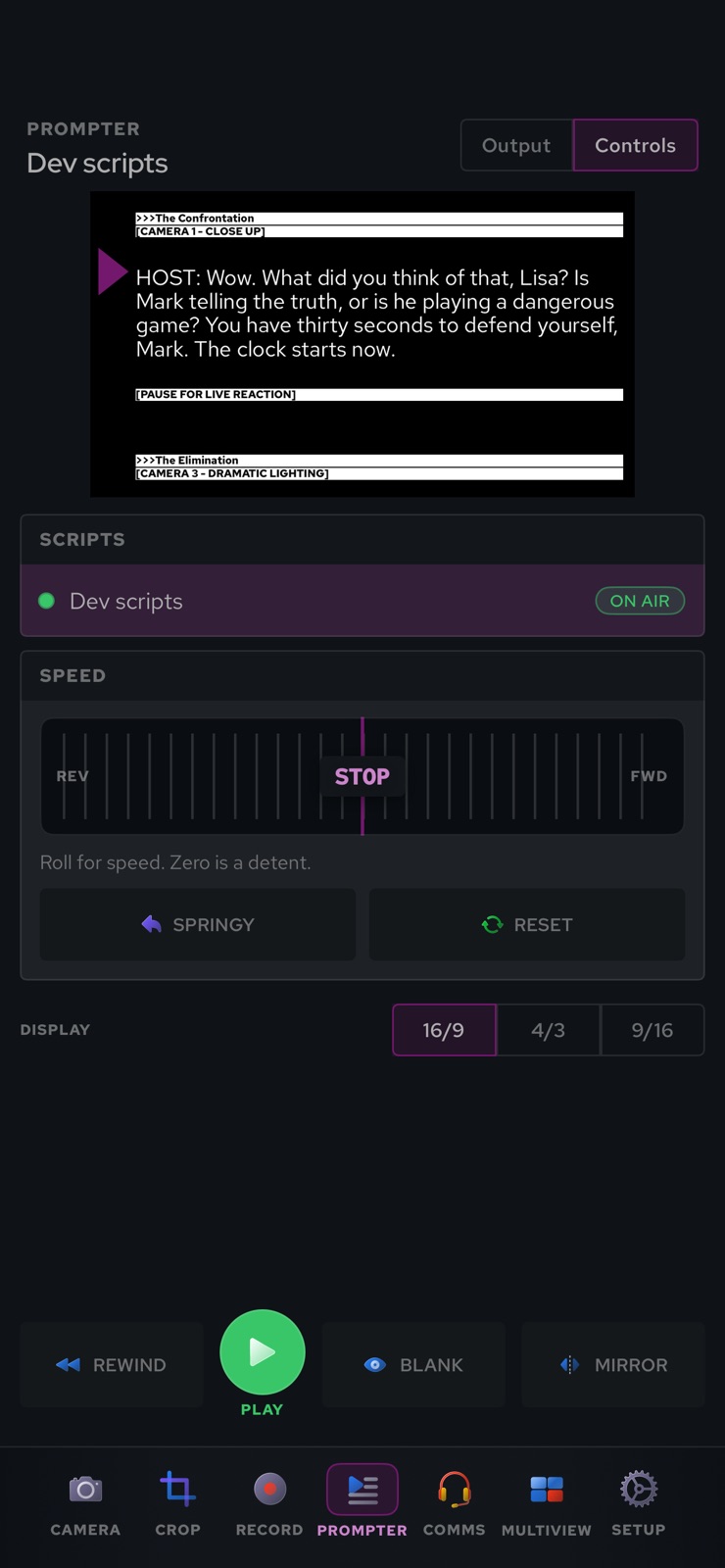
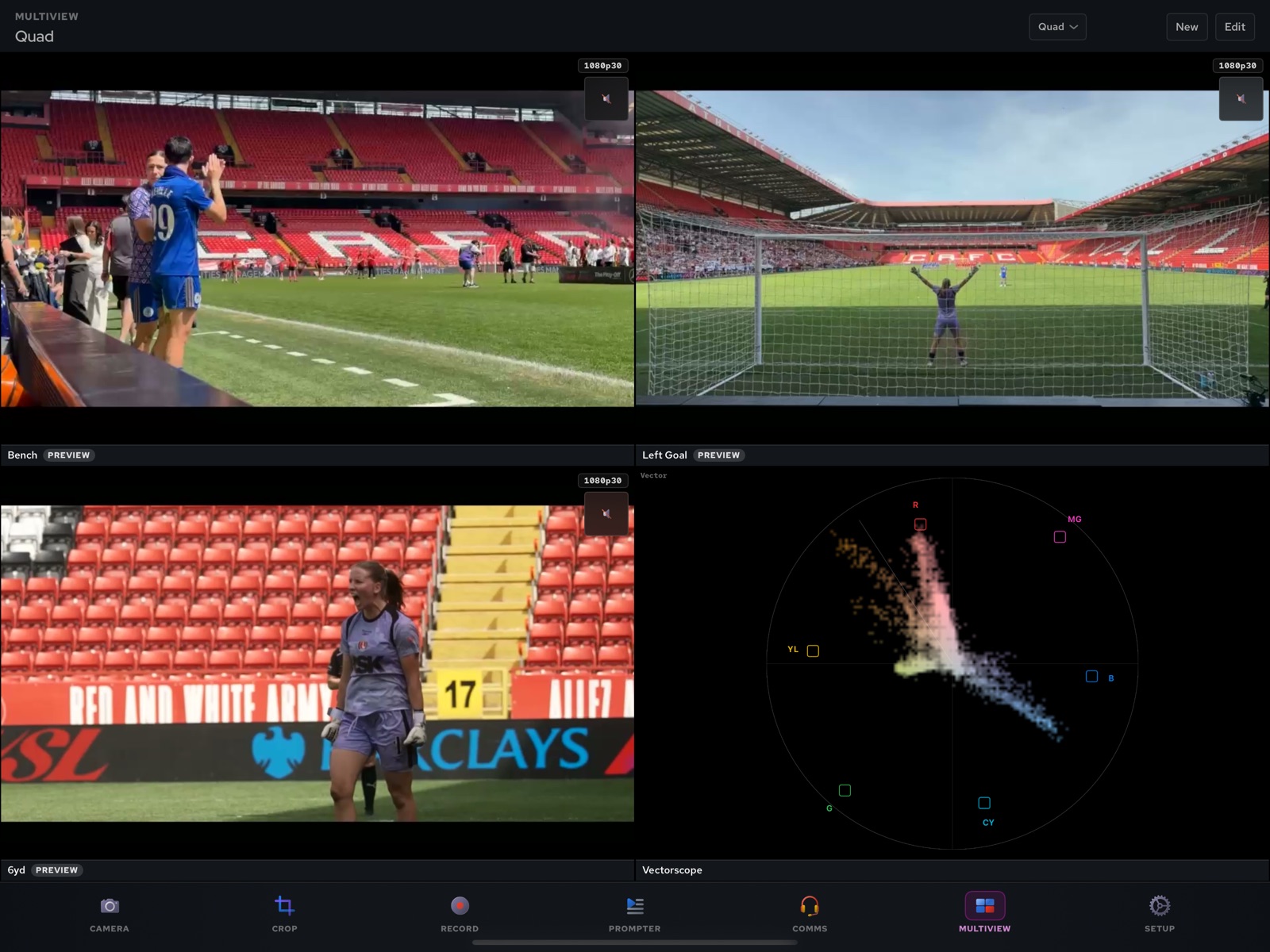
The same app carries intercom keys with talk and listen, the prompter and a multiviewer. One phone is the camera, the comms panel and the monitor.
Put the phone on a gimbal and steer it from the desk. The gimbal and the digital crop work as two stages of one head, under the same control claim as the camera.
One app for iOS and Android. Camera, crop, record, prompter, comms and multiview sit on the same bar, on a phone or a tablet.
Book a walkthrough with the engineers who built it, or contribute from your own phone in the live demo.